

GitHub integration
Beaker works in your GitHub repositories. It reads your agent’s implementation, runs experiments on it, and opens a draft pull request with the changes it found and tested. You are in control of what goes into main: you review and merge it like any other PR.
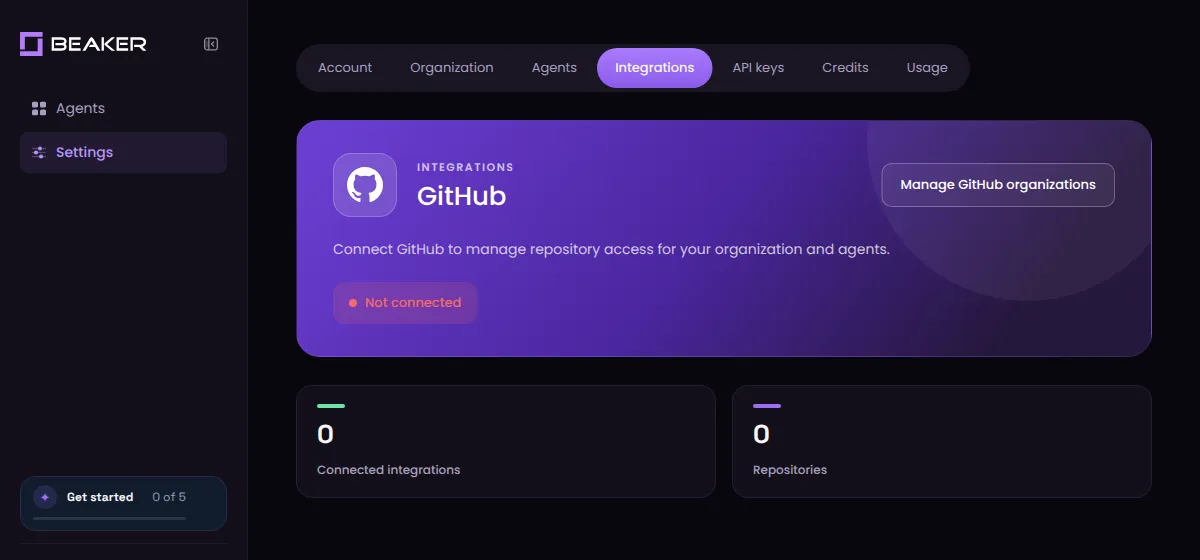
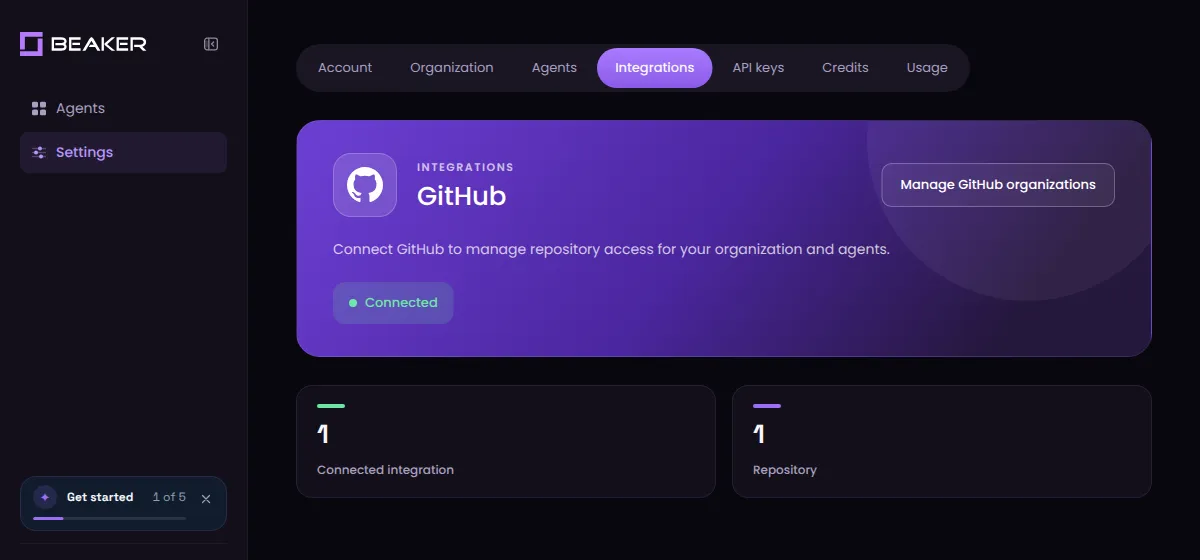
Connect once per organization from Settings → Integrations.
Set up the integration
You need to be an owner of the GitHub organization (or the owner of your personal account) to install the Beaker GitHub App. If you’re not, ask an owner to complete the install.
Open the GitHub integration
In Beaker, go to Settings → Integrations and click Manage GitHub organizations.
Sign in to GitHub
If you’re not already signed in to GitHub, you’ll be asked to sign in and authorize Beaker.
Turn on branch protection for your main branch so nothing lands without the checks and reviews you require.
What Beaker does in your repo
- A self-contained
.beakerfolder. It sits off to the side of your code and is the handshake between Beaker and your agent implementation: how to run your agent, load your samples, run your evaluations and analyze your agent’s traces. - Beaker only changes the files you allow. Skills, memory, prompts, or the whole harness, including Python files.
- Beaker works in branches. It pushes the changes it found and tested to a separate branch and opens a draft pull request from it.
Permissions
The Beaker GitHub App asks for these permissions:
Beaker acts with the GitHub App’s permissions, not those of whoever starts a run. It also listens for GitHub webhooks, so it stays in sync when you merge or close one of its pull requests, change which repositories it can access, suspend the app or uninstall it.
Manage repository access
You can change which repositories Beaker can access at any time:
- In Beaker, open Settings → Integrations and click Manage GitHub organizations.
- Under Repository access, choose All repositories or select specific ones.
- Click Save.
To remove Beaker completely, uninstall the Beaker GitHub App from your organization’s Settings → GitHub Apps page on GitHub.
Troubleshooting
This GitHub installation is already connected to another organization
The GitHub App is already installed for that GitHub account and linked to a different Beaker organization. Ask a GitHub owner to uninstall it from the GitHub account’s Settings → GitHub Apps page, then connect again from the Beaker organization you want.
The authorized GitHub user cannot access this installation
The GitHub account you signed in with isn’t allowed to manage that installation. Sign in with an account that’s an owner of the organization, or ask an owner to run the install.
I don't see my repository in Beaker
Check Repository access (see Manage repository access) and make sure the repository is selected. New repositories aren’t added automatically unless you chose All repositories.
FAQ
Does Beaker change my code, or does it give suggested changes to my coding agent?
Beaker changes your code. After setup, it runs the experiments itself and delivers the changes it found and tested as a draft pull request through the GitHub App. Your coding agent isn’t a go-between.
Your coding agent only does the one-time setup: it installs the Beaker skill, writes the Beaker config and pushes it to a setup branch.
Will Beaker push to or merge into my main branch?
No. Beaker pushes its changes to a separate branch and opens a draft PR against your base branch. Nothing is merged until you review and decide it’s ready to be merged. If your own coding agent has push access, we recommend turning on branch protection so it can’t push to main directly either.
Does Beaker store my code?
Beaker fetches the exact commit it’s testing from GitHub and builds a run environment from it. The temporary upload used for that build is deleted when the build finishes.
Beaker keeps a record of each run, which includes the before and after versions of the files it is allowed to change, plus traces and results. That record is how you review what Beaker tried and how a PR is created later. See Security and data for what we preserve and for how long.
Do I have to give Beaker access to all my repositories?
No. Choose Only select repositories during install and pick just the repo that holds your agent. You can add more later.
Can I connect a personal GitHub account instead of an organization?
Yes. You can install the Beaker GitHub App on a GitHub organization or on your personal account. Connect the account that owns the repositories your agent lives in.
Who on my team can use the integration?
Everyone in your Beaker organization shares the connection. A GitHub installation can be linked to one Beaker organization at a time.